


E-commerce is a crowded market and online stores keep looking for ways to win new customers and hold on to the ones they have. Contests are one of the most effective tools a store can use. They bring in new customers, raise brand awareness, boost engagement and improve the overall customer experience. On top of that, every entry gives you a contact you can use for your newsletter.
Why run contests on your online store?
Contests can be a valuable tool for online stores, for several reasons:
1. More traffic to your site
Running a contest is a great way to bring new visitors to your site. People are drawn to the chance of winning, whether the prize is products, discounts or other attractive rewards.
2. Collecting contact details
Participants fill in a form with their contact details, which grows your database of potential customers for future offers, news and discounts. Of course, you have to tell them that by entering they are giving you their consent. The "Contact Forms" add-on takes care of all of this for you.
3. More brand awareness
Effective promotion on social media and cooperation with influencers can significantly raise awareness of your brand and motivate people to share. To make working with influencers easier — including their codes and rewards — you can use our partner portal.
4. Sales support
Some contests use discount coupons or draw entries earned by purchases, which lift sales and reward customer loyalty.
Contest ideas for online stores
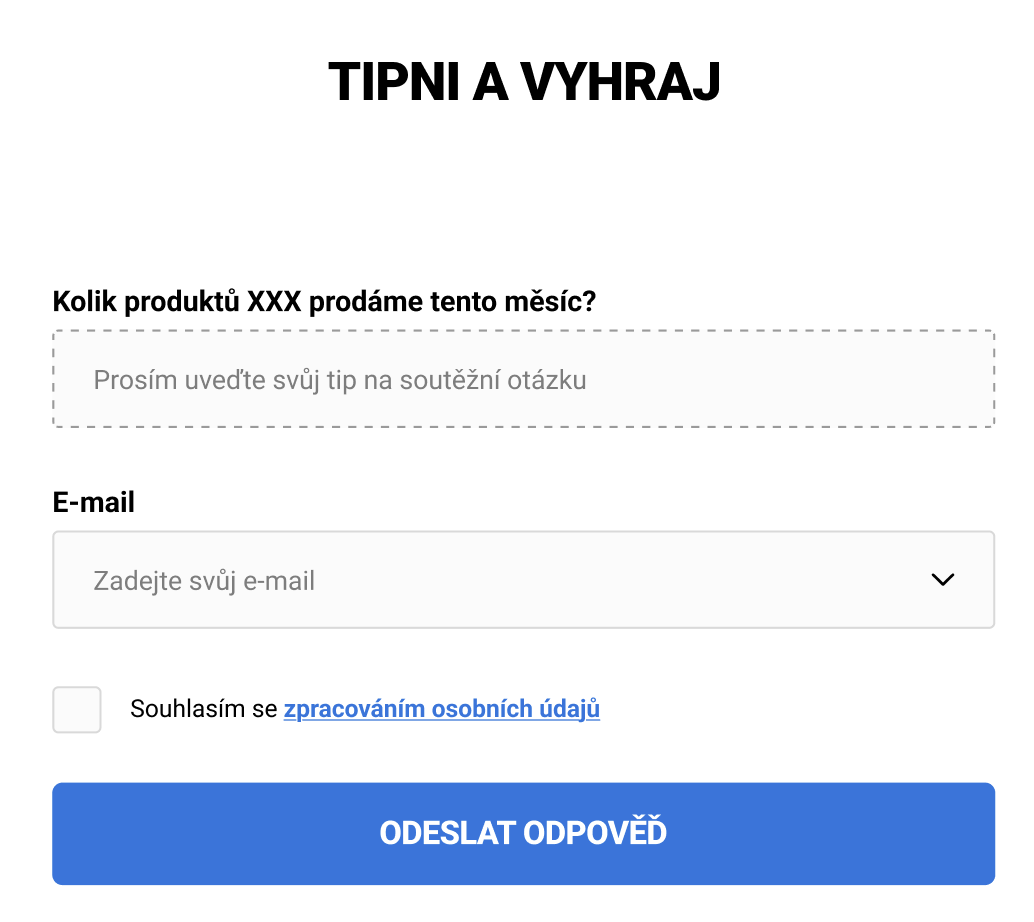
- Guess and win: The form asks a question such as "How many XXX products will we sell this month?" or "Which product will be our bestseller this month?". Participants enter their guess and at the end of the month you pick the winner who was closest or answered correctly.
- Hidden product hunt: You hide an image or a special product somewhere on your site. Whoever finds it fills in a form confirming what they found and adds their email address. The winner is then drawn at random from all the correct answers — and in the meantime visitors go through your site far more carefully.
- Feedback-based contest: Users who give you feedback — on a product they bought earlier, on their impression of the store or on their experience with shipping — fill in a form and compete for a voucher or a discount. You can then use their texts as references or to improve your store.
- Photo with the product: On vacation, for example. The goal is to fill in the form and attach a photo; you can then publish the winner on your site and on social media.
How to build a contest form easily
Building a contest form for your store can be very simple thanks to the tools we make available to you. Install the Contact Forms add-on and adjust it to your needs.
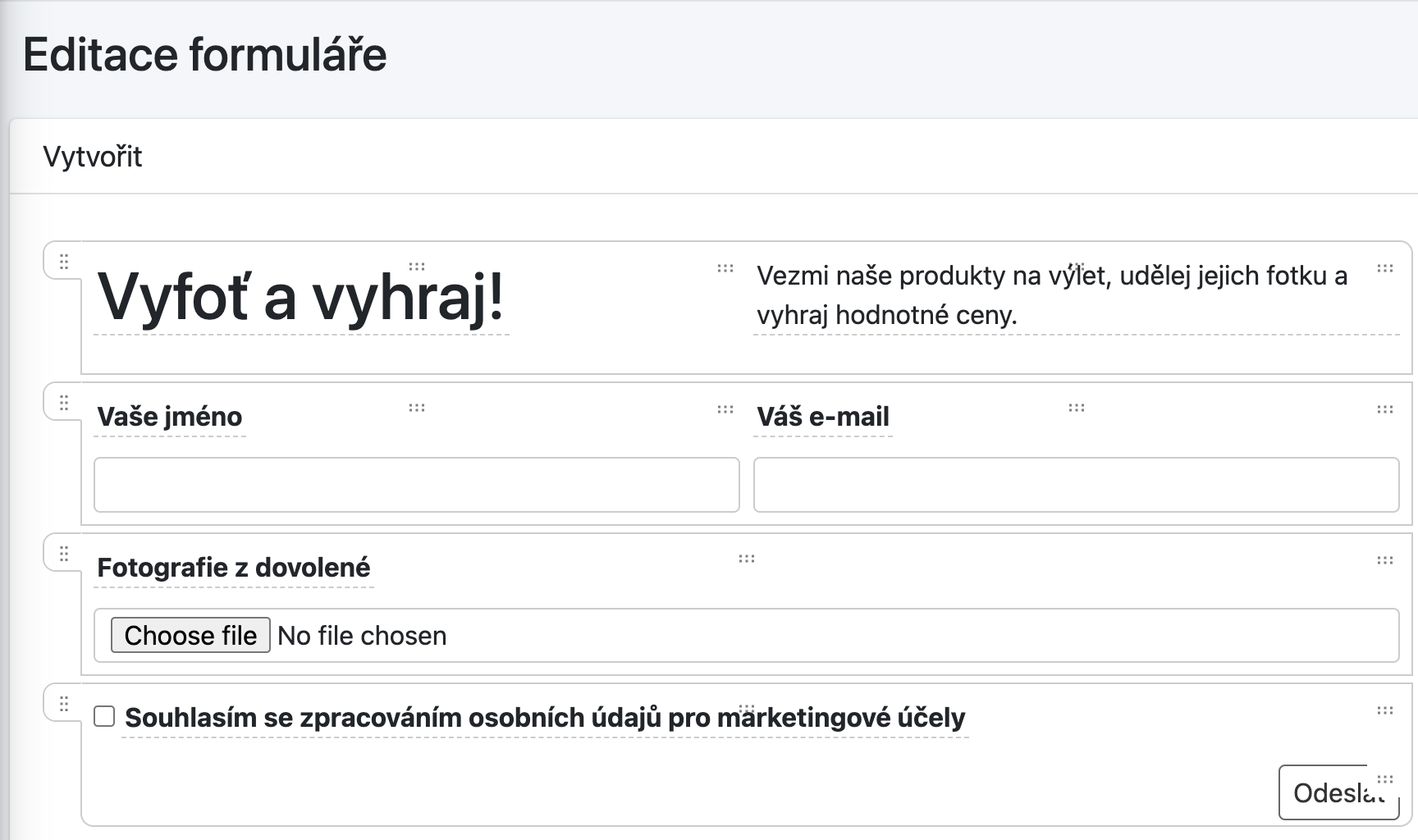
Contest example — Vacation photos
Participants have to:
- Enter their first and last name
- Provide a contact email
- Upload a photo
- Give GDPR and marketing consent
Building a form like this in our add-on takes a few minutes.
Once you insert it into your store, the form picks up the design from your template and CSS. It can look like this, for example.
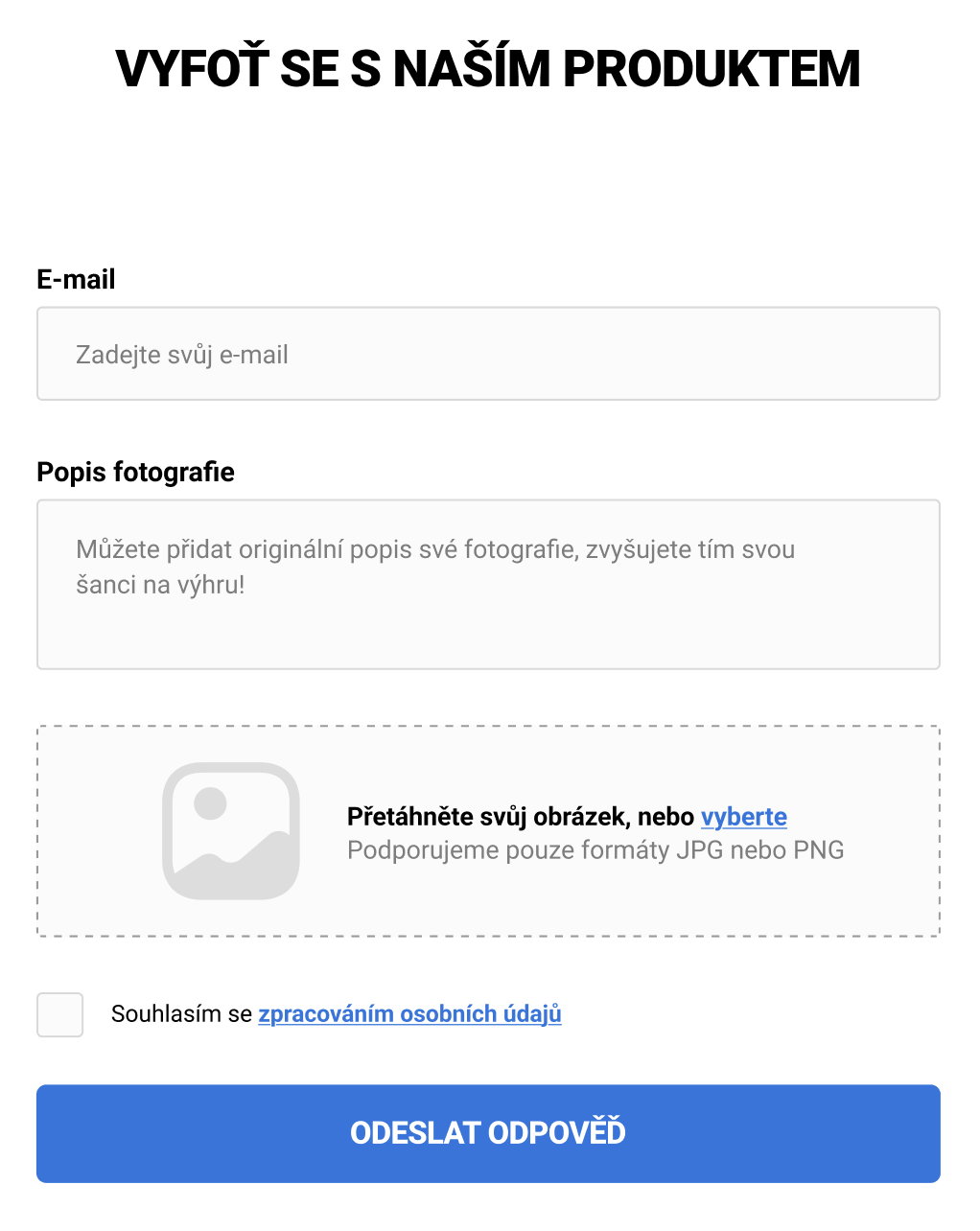
Or in a simpler version:
Steps:
- Activate the Contact Forms add-on
- Log in to the admin at https://shoptet.webotvurci.cz/
- Create a new form in the editor (guide in Czech)
- Set up the emails and how they're sent (guide in Czech)
- Don't forget to configure and test SMTP (guide in Czech)
- Insert the form into your store using a SHORTCODE
More guides on using the add-on are available in the Contact Forms guide overview (in Czech).