Step 1: Log in to your store admin
- Open the admin of your Shoptet store.
- Log in with your credentials.
Step 2: Open the HTML code editor
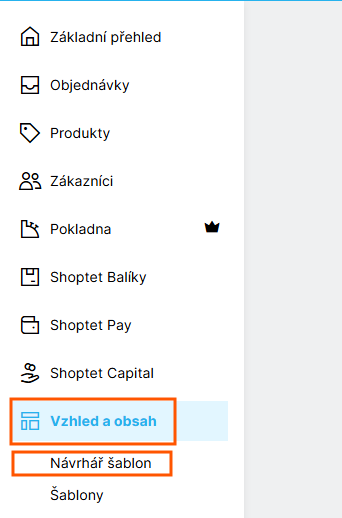
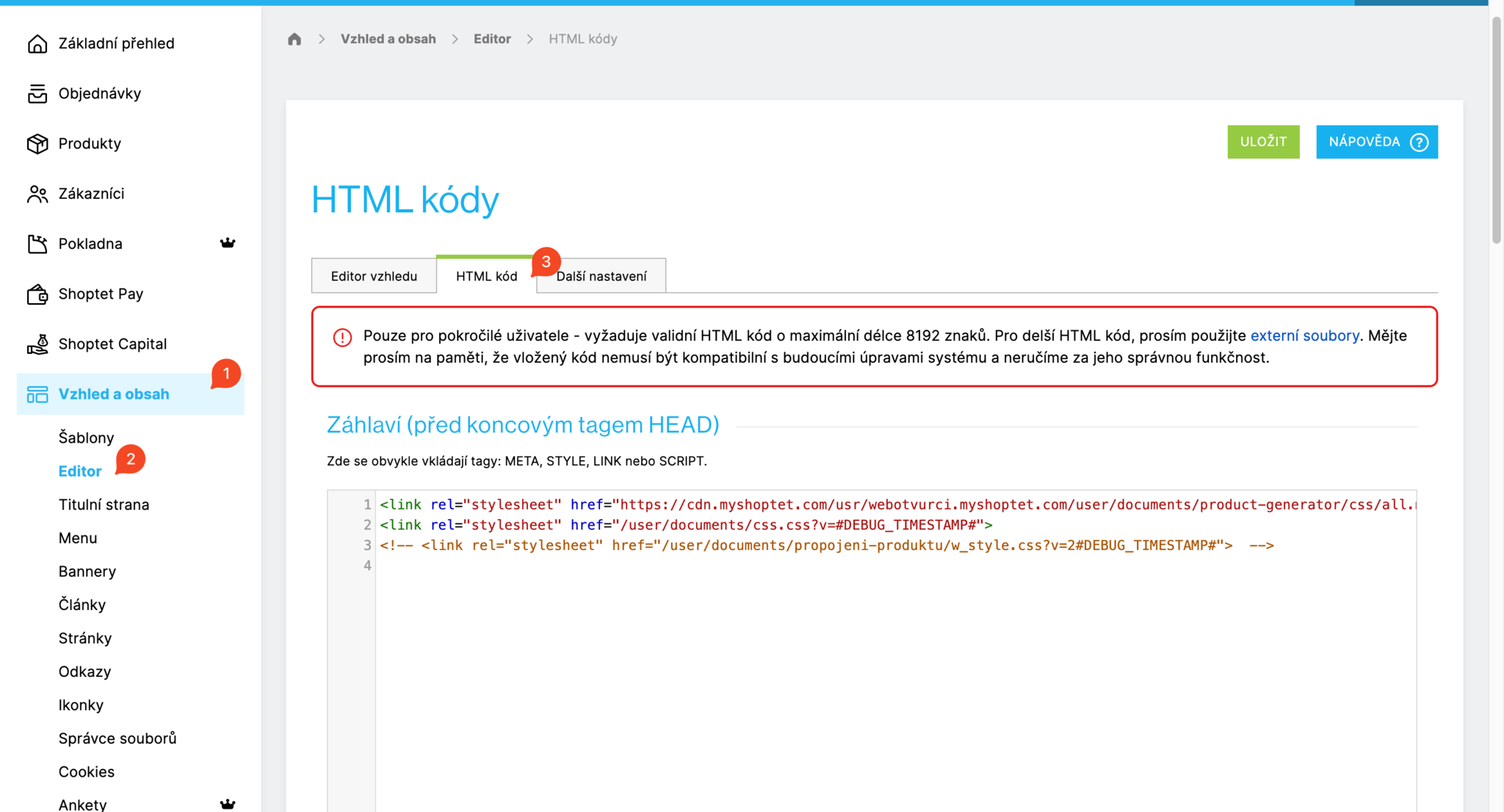
- In the main menu, go to Appearance and content.
- Choose Template designer.
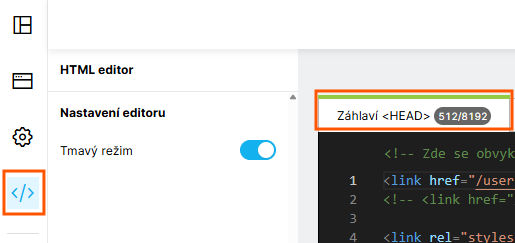
- Click HTML editor.
Step 3: Insert the CSS code
- In the code editing window, find the Header section.
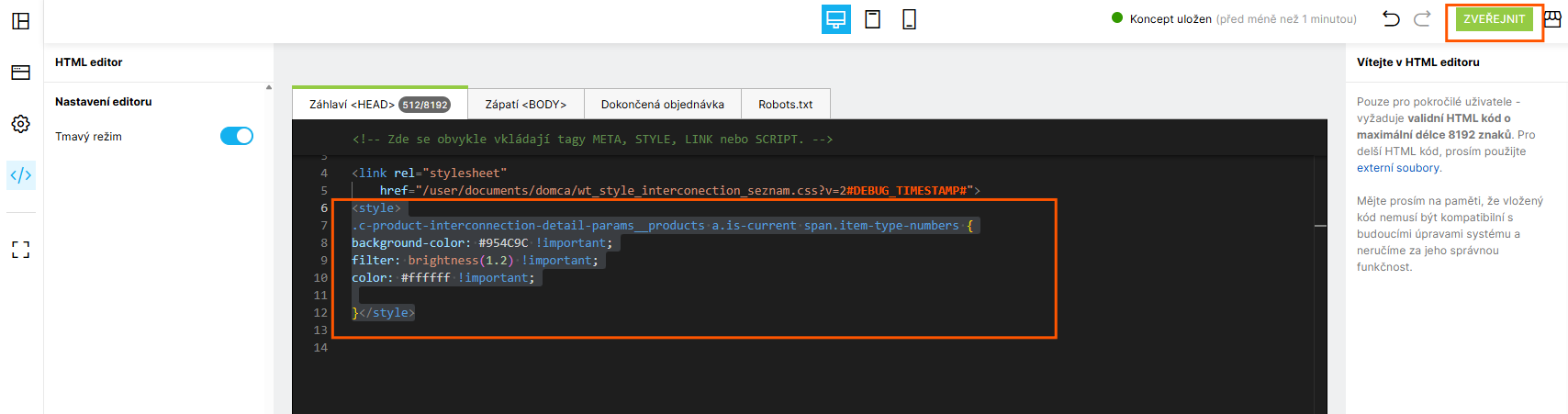
- Paste your CSS code into the
<style> tag. For example:
.c-product-interconnection-detail-params__products.is-type--banner {
    background-color: #f7f7f7;
    width: 100%;
    display: flex;
    padding: 10px 20px;
}
- Once the code is in place, click PUBLISH.
Tips and warnings
- Be careful when inserting code so you don't break your store.
- We recommend backing up the code before you make any changes.



